Watch & Play Together, Anywhere

Sputni Live lets you broadcast games, movies, or any screen to friends in real-time. No downloads, no lag, just pure shared moments.

Start Watching

How It Works

1
Start a Stream

Create a stream, copy the key into OBS/Streamlabs and go live.

2
Invite Friends

Share a short link, anyone can join without an account.

3
Save & Share

Record your broadcast, set privacy, and let the community discover it.

Why Sputni Live?

Friends watching a stream together
Watch with Friends

Invite anyone with a link - free to join.
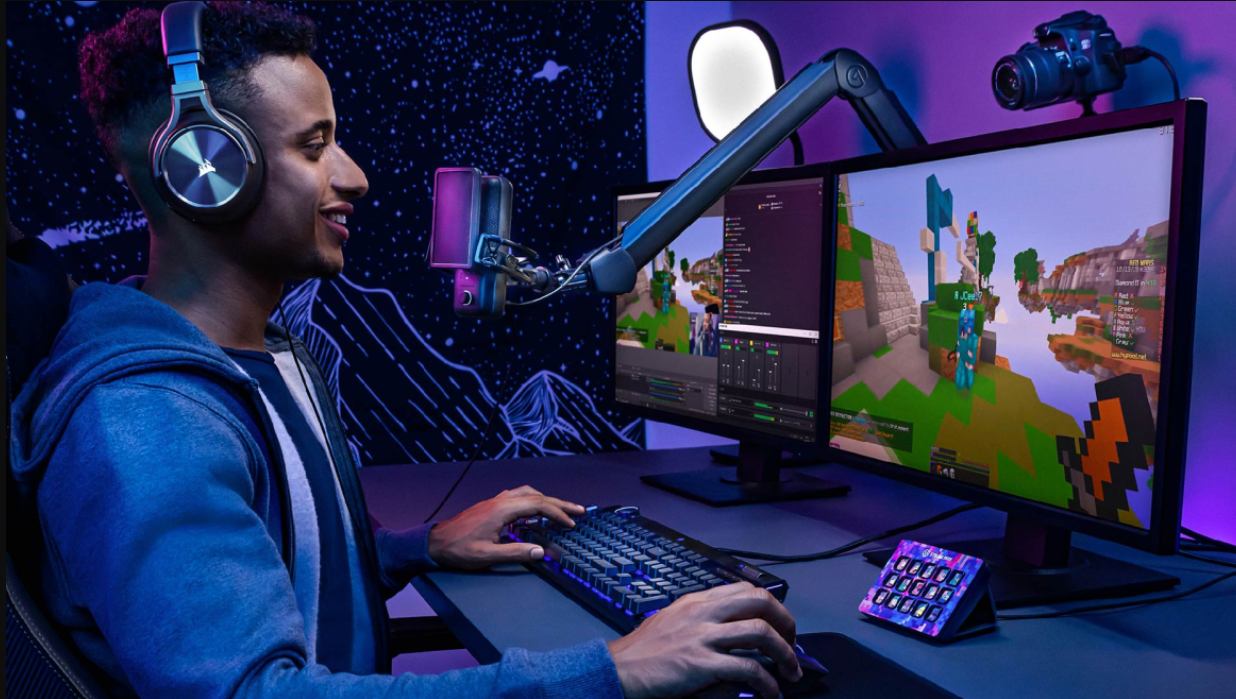
Gameplay streaming on a desktop
Game Streaming

Stream your gameplay with ultra-low latency and chat overlay.

Friends enjoying a movie night
Movie Nights

Sync movies with friends, add subtitles, and chat while you watch.

Uploading and sharing a video
Upload & Share

Upload your own videos, set privacy levels, and let the community discover them.

Live Now

Plans & Pricing

Free
0/mo
  • Unlimited watching
  • Standard quality (720p)
  • Community chat
Pro
5.99/mo
  • Unlimited watching
  • Full HD (1080p) streaming
  • Community chat
Premium
9.99/mo
  • Unlimited watching
  • Unlimited private rooms
  • 4K Ultra-HD streaming
  • Priority support
  • Upload up to 20 GB
  • Community chat

Ready to start streaming?

Join thousands of creators and viewers who already enjoy Sputni Live.

What Our Users Say

Quick FAQ

1. Click Stream Now button on the navigation bar
2. Sign in or Log in.
3. Copy the generated stream key into your broadcasting software (OBS, Streamlabs, etc.).
4. Press Go Live in your software, your stream will appear instantly for your friends.

No, you must sign in to view any content. However it's free to join!